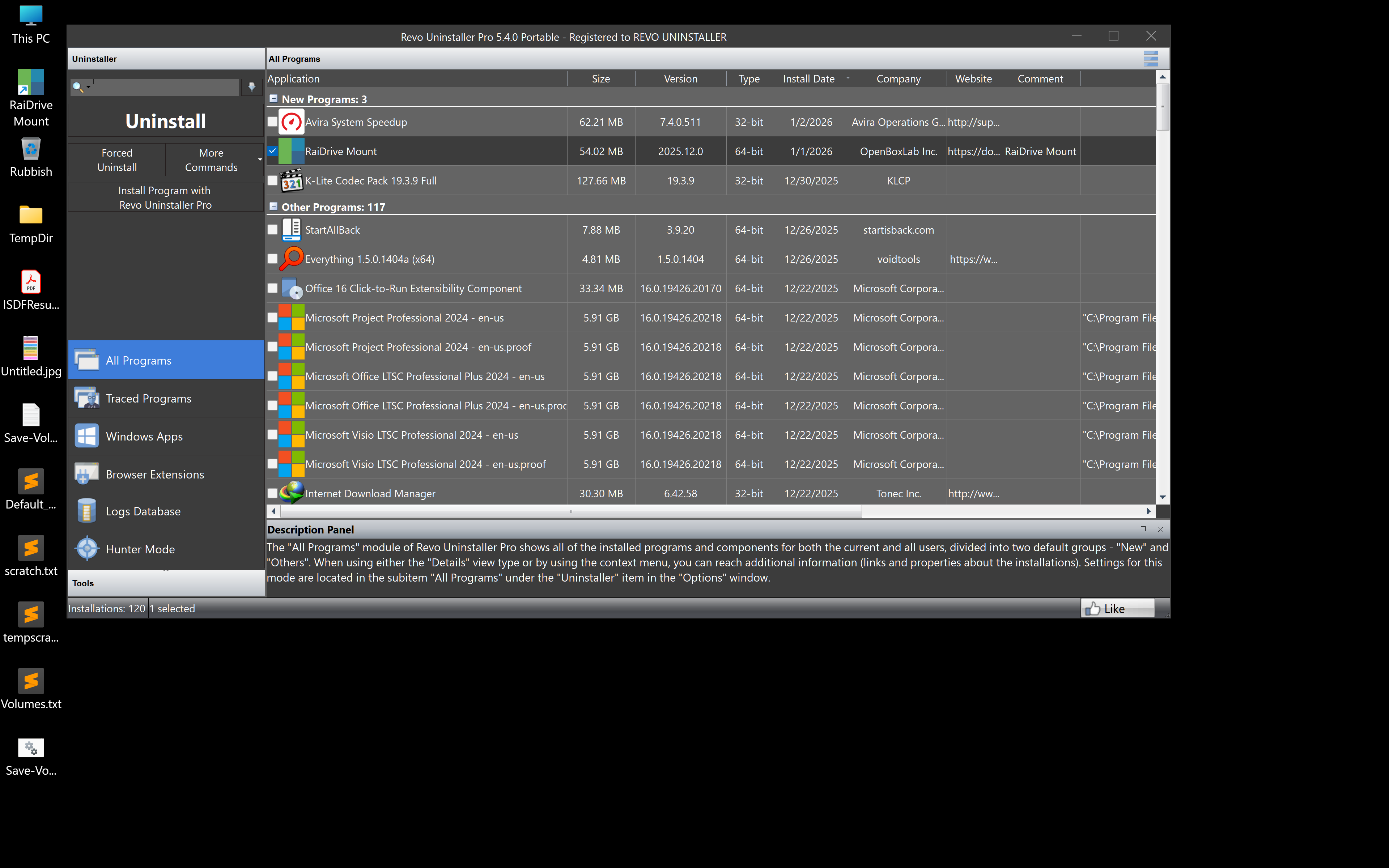
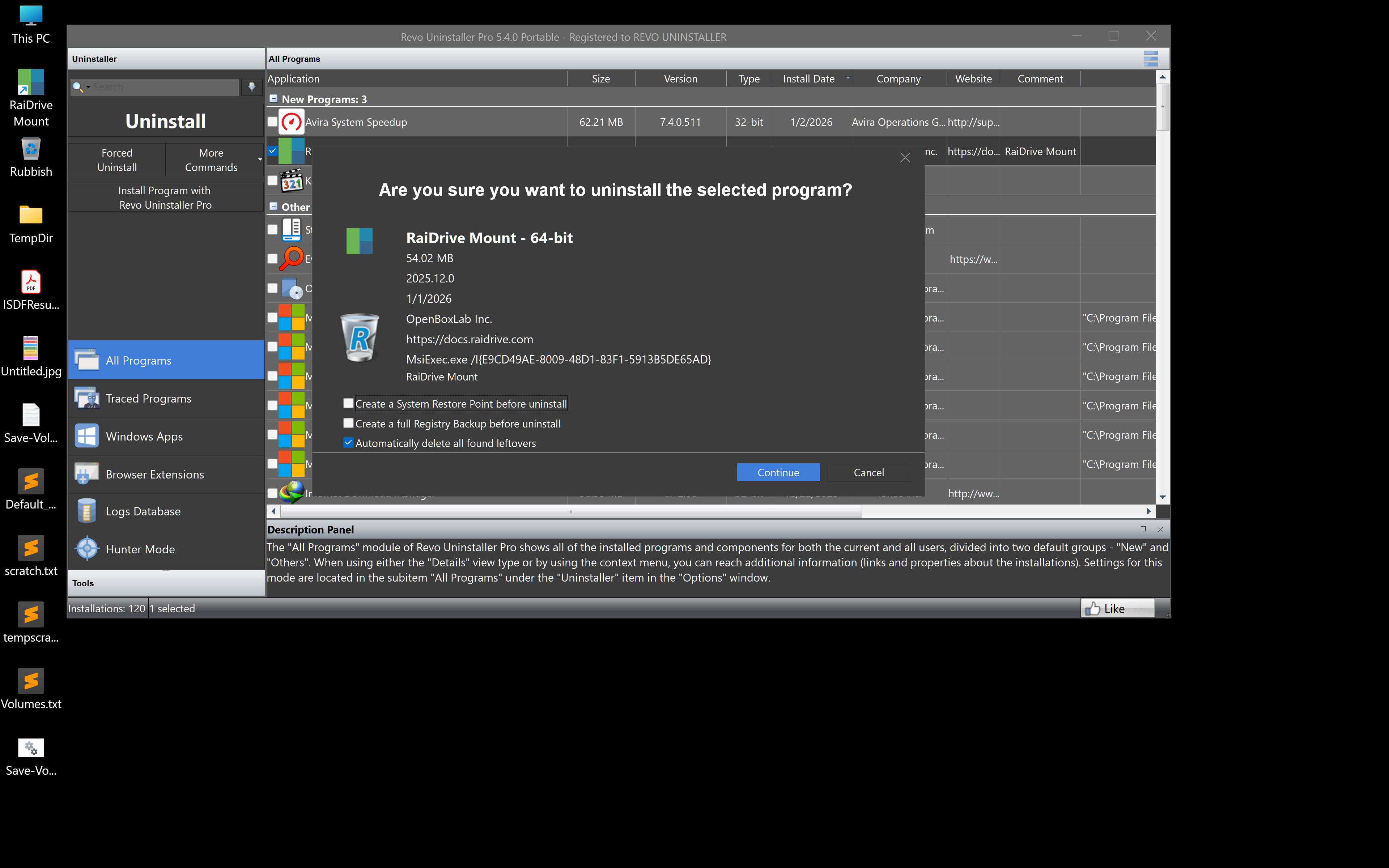
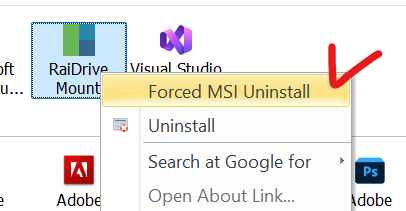
I tried to uninstall RaiDrive to troubleshoot some issues and see that it does not have clear instructions nor does it automatically remove basic shortcuts.
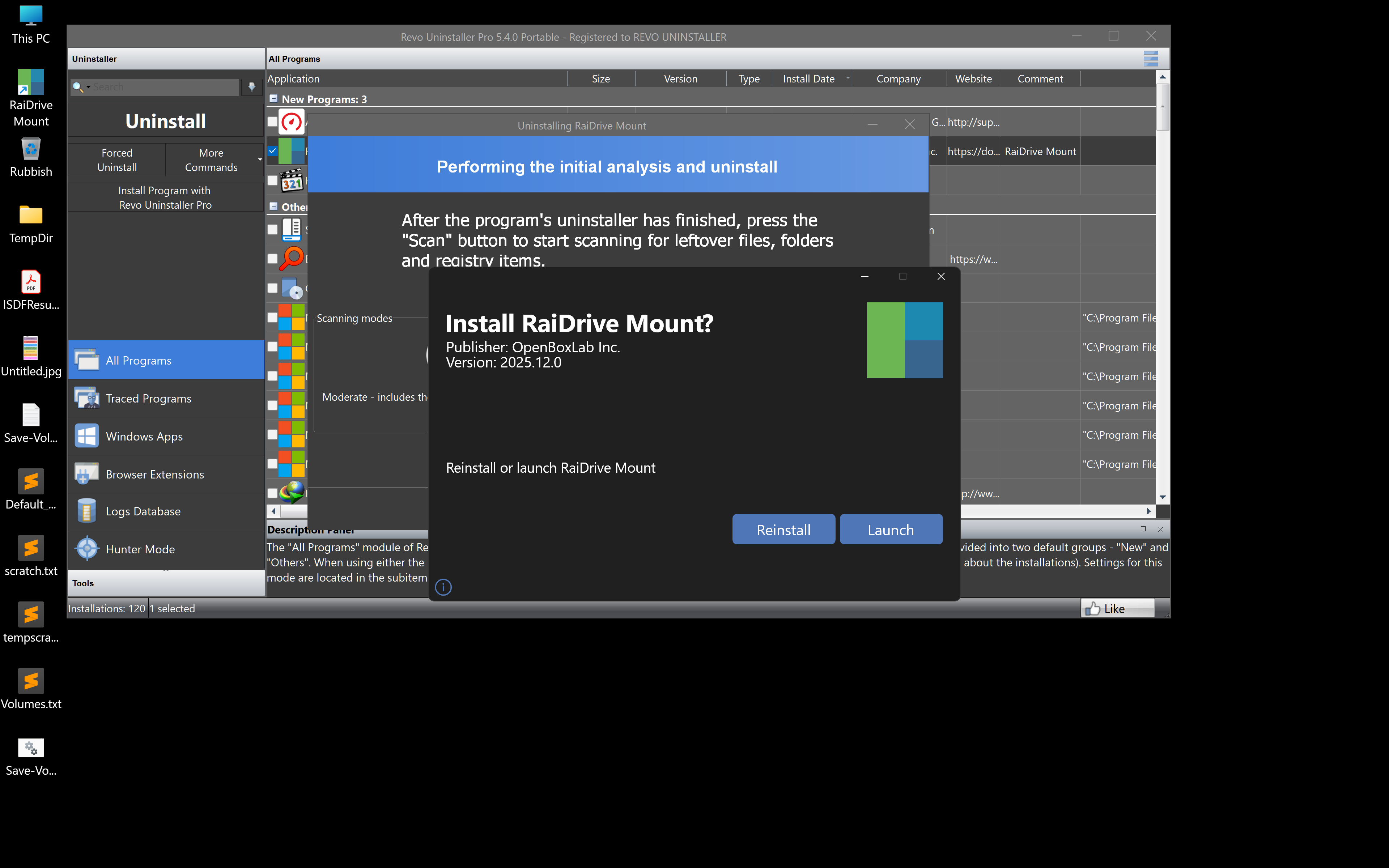
Pressing continue will bring up RaiDrive Uninstaller which instead of confirming the Uninstall, will only ask about reinstalling or launching Raidrive mount
No matter which option is pressed, it will try to reinstall Raidrive or mount.
The only way to initiate the actual uninstall is to close this window to let the 3rd party app try to do it.
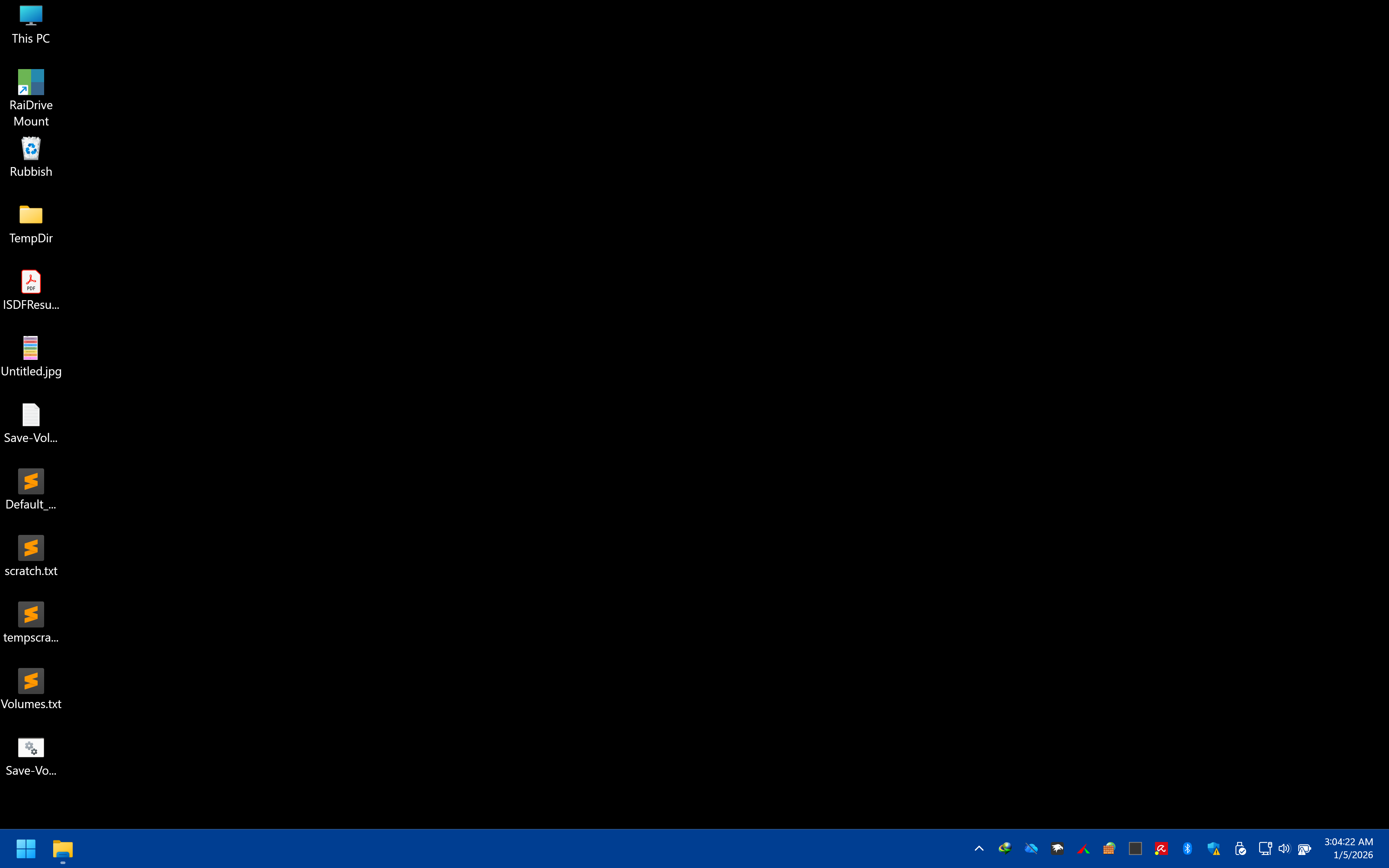
After the uninstall, a RaiDrive shortcut still remains on the desktop and is not easy to delete
I reinstalled 2025.7.16 to troubleshoot a few days ago, and just now upgraded to 2025.12.0 without issue. What i did this time that i did not do last time i upgraded was to stop all of the drives first. Then I ran the installer for the upgrade and it went fast and smooth. So, maybe that was the issue.
But it does bring to mind the request for a button to stop/restart all drives at once instead of having to click 1 by 1. In my case, there are 12 drives that need to be stoppped/started.
RaiDrive currently attempts to gracefully stop all drives during the uninstallation process.
We have taken note of the details you provided regarding your experience.