Hi @Peter_Thomas,
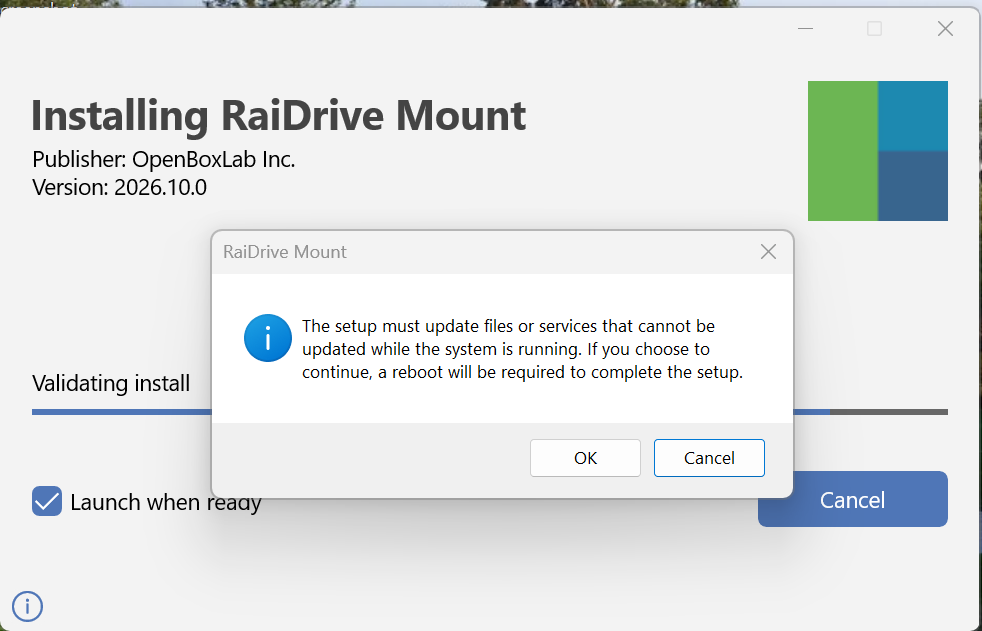
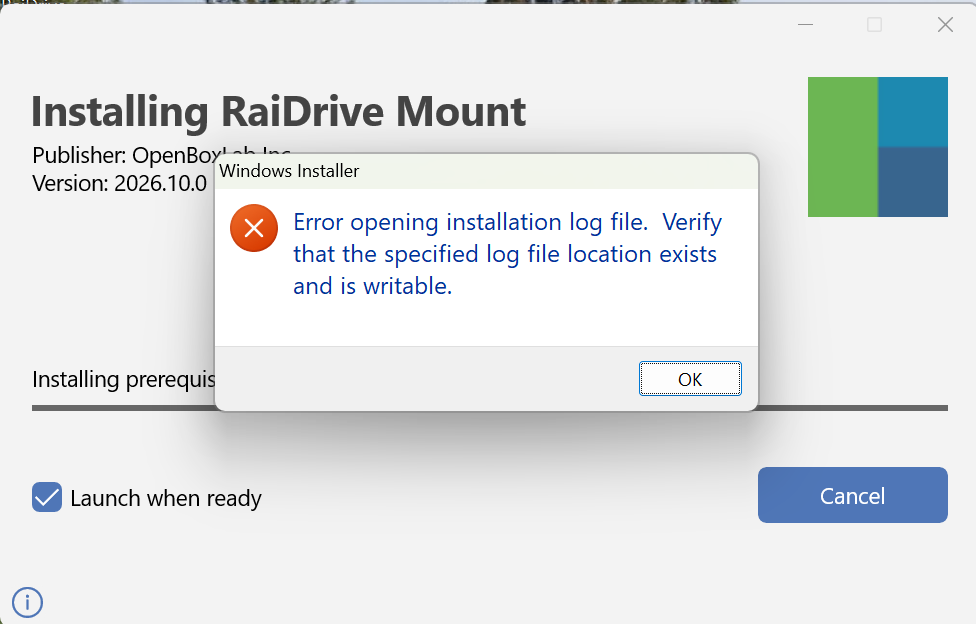
Thank you for the screenshot.
What happened
During the “Installing prerequisites” step, the installer runs Windows Installer to install the file system driver (WinFsp). Windows Installer could not create its log file for this step, so it stopped with this message. The log file goes to your %TEMP% folder, or to %ProgramData%\OpenBoxLab\RaiDrive Mount if that folder already exists.
Please try this
- Close the installer and restart your PC.
- Press
Win + R, type%TEMP%, and press Enter. Make sure that the folder opens. - Right-click the RaiDrive installer and select Run as administrator.
- If you use third-party antivirus software, pause it temporarily during the installation.
If the error continues
Please reply with this information:
- Is this a new installation, or an update from an earlier RaiDrive version?
- Does the file
%ProgramData%\OpenBoxLab\RaiDrive Mount\winfsp.logexist?
If other users see the same message, please follow the same steps and reply in this topic.