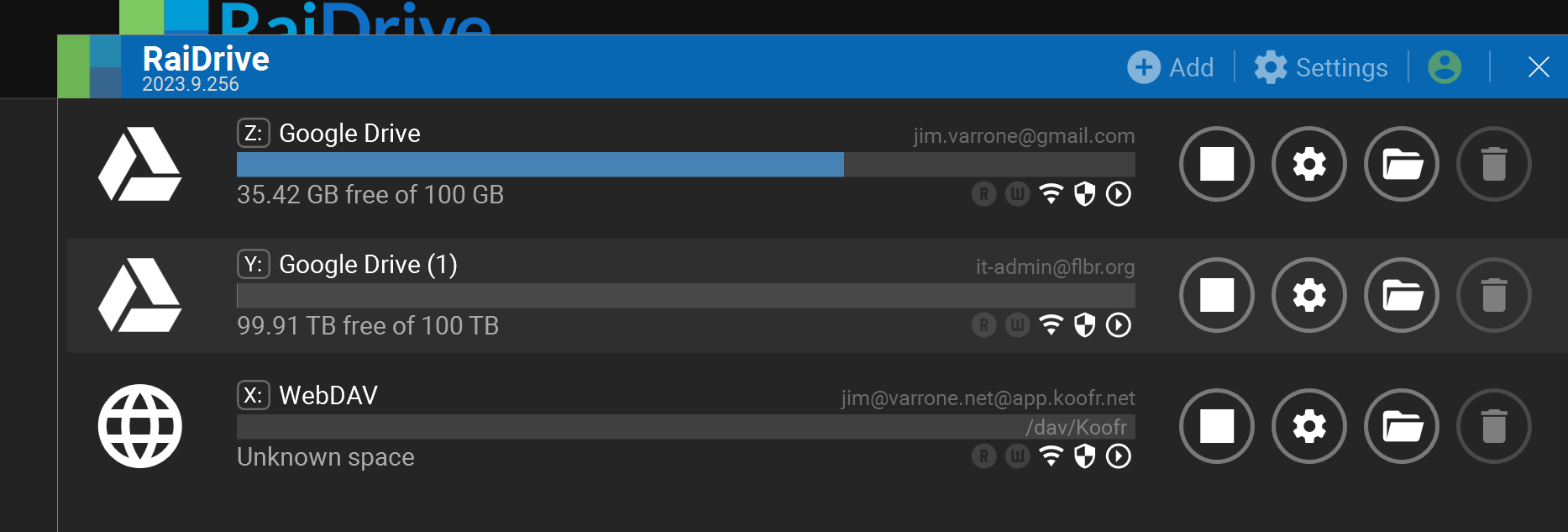
I have multiple Google drives in my install. The first one is named Google drive, the second Google drive(1), etc. How can I rename these to be more descriptive of what they actually contain?
Hi @Jim_Varrone,
You can change the label(volume) name of a drive on the edit.
After updating to this new version, I’m having the same problem. Even after changing the driver names again, it reverts to the same name for all drivers.
Nevermind. The drive was connected when I tried to edit the drive name. Thanks for the link to the docs!
Hi, @marcelo.maloti
Here is the patched version.
A reboot is required after installation.
Please let us know the results after testing.
RaiDrive Support
This topic was automatically closed 30 days after the last reply. New replies are no longer allowed.