Just upgrade system of Synology to DSM 7.3 ( one week ago).
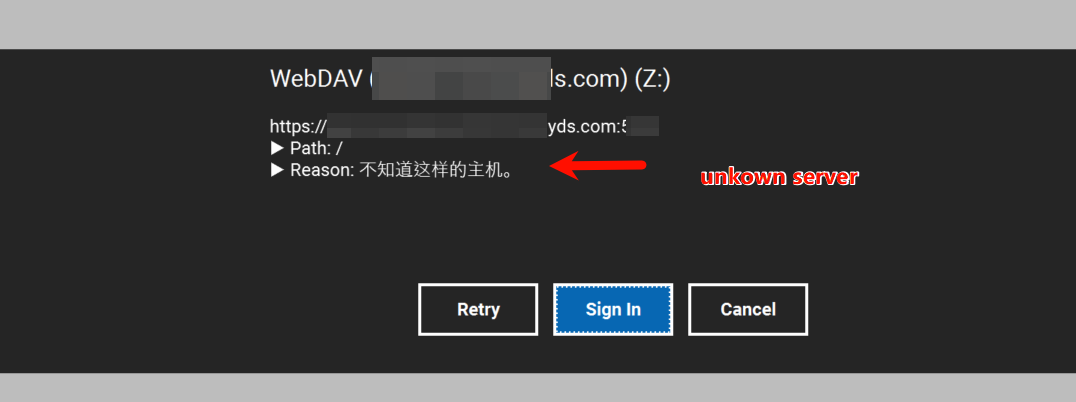
When conntact via RaiDrive, it always showing “unkown server".
seems it has been happened since the upgrade of new DSM.
May some advise for me?
Hi, @Yufei_Huang
After upgrading DSM, DDNS information may be inconsistent or DDNS settings may not be correct.
Please check the following:
- Recheck or reset your DDNS settings in DSM.
- Restart the network router in DSM, and then restart your Synology device after the router restart is complete.
- On your PC, use the CMD window to execute the command ipconfig /flushdns.
- Reboot your PC.
Please check the steps step by step and let us know the results.
RaiDrive Support
Hello, it was solved.
You are right. The issue was that the port opened on the router was not pointing to the correct IP address of the Synology device. I have redirected it to the actual device, and now it works. Thank you very much!
I’m glad to hear that the issue has been resolved. If you have any questions or suggestions, please feel free to contact us at any time.
Thank you,
RaiDrive Support
This topic was automatically closed 30 days after the last reply. New replies are no longer allowed.